Your photographs.
Beautifully developed.
Shoot RAW on iPhone. Bring your camera’s photographs.
Find your colour. ABNEY takes care of the development.
All the colour.
None of the work.
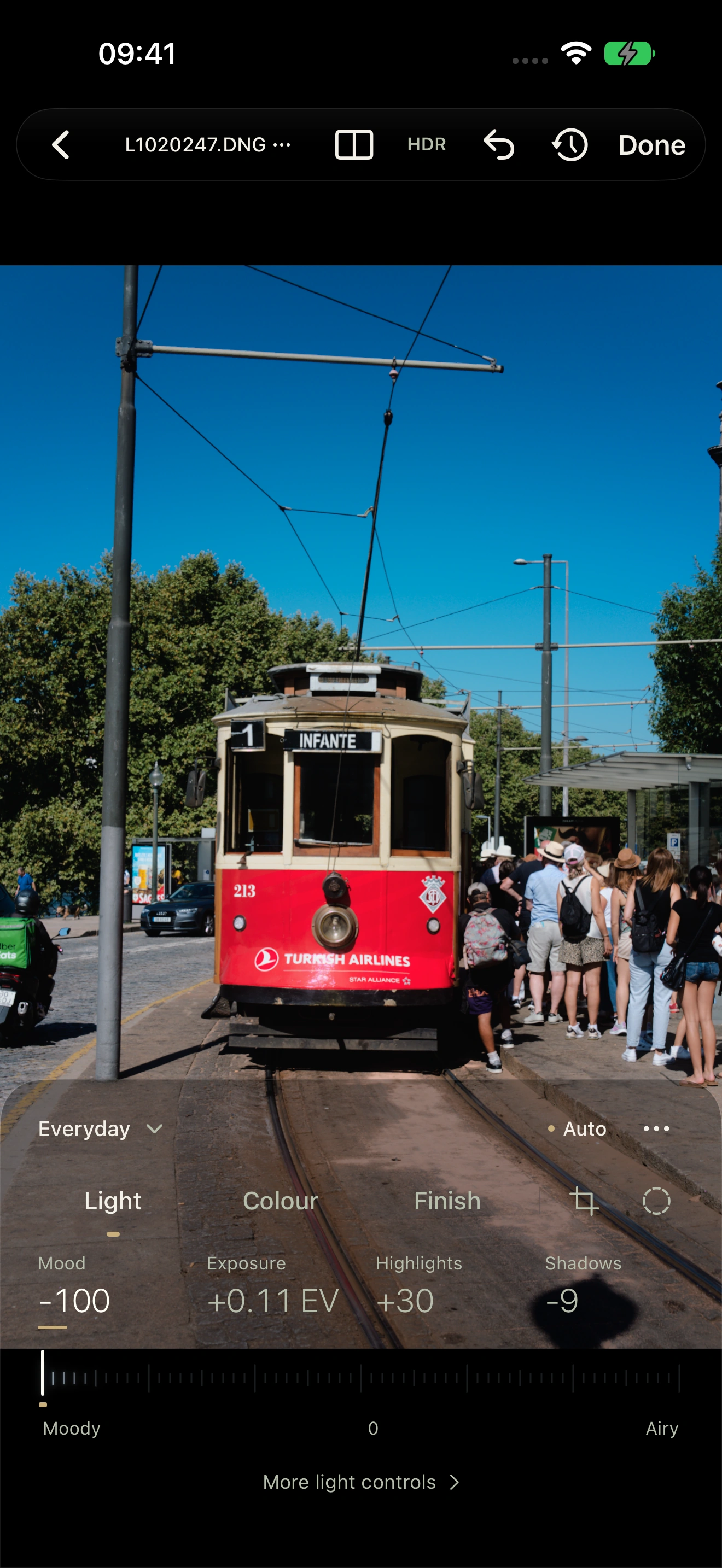
Open a RAW and watch it come to life. Auto finds the light and colour. You decide when it’s ready.
From your iPhone or your camera.
See something?
Shoot it.
Open ABNEY’s RAW camera on iPhone. Preview your look as you frame. Take the shot, and let Auto develop it.
Stay in the moment. Or take control of focus and exposure.
Love your other camera?
Bring its RAWs along. The same colour, film looks and personal touch are waiting for them.
Colour.
With character.
The colours you remember.
The film looks you love.
Just as you saw it.
Clear daylight. Deep evening shadows. Natural colour that belongs to the scene.
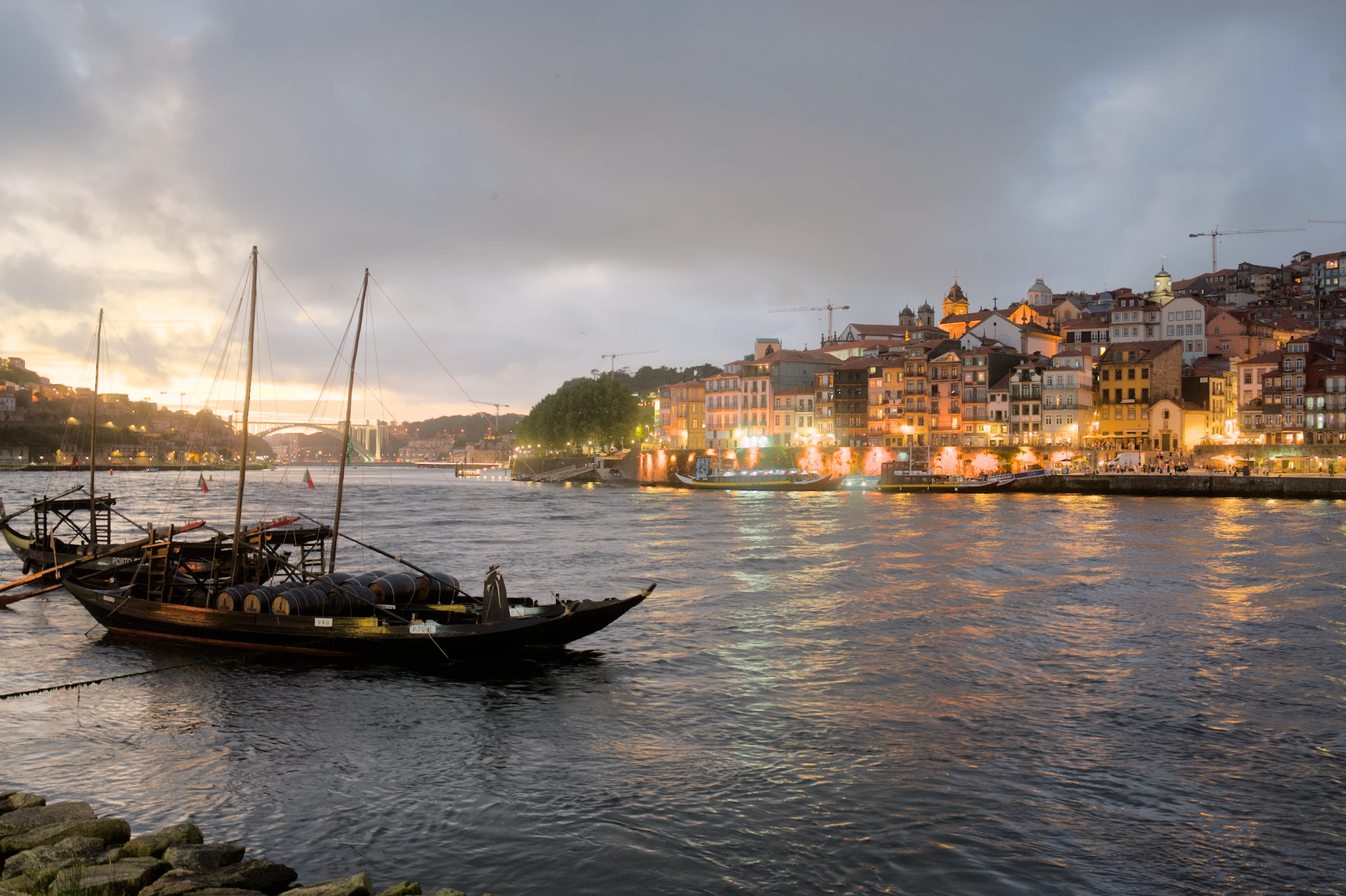
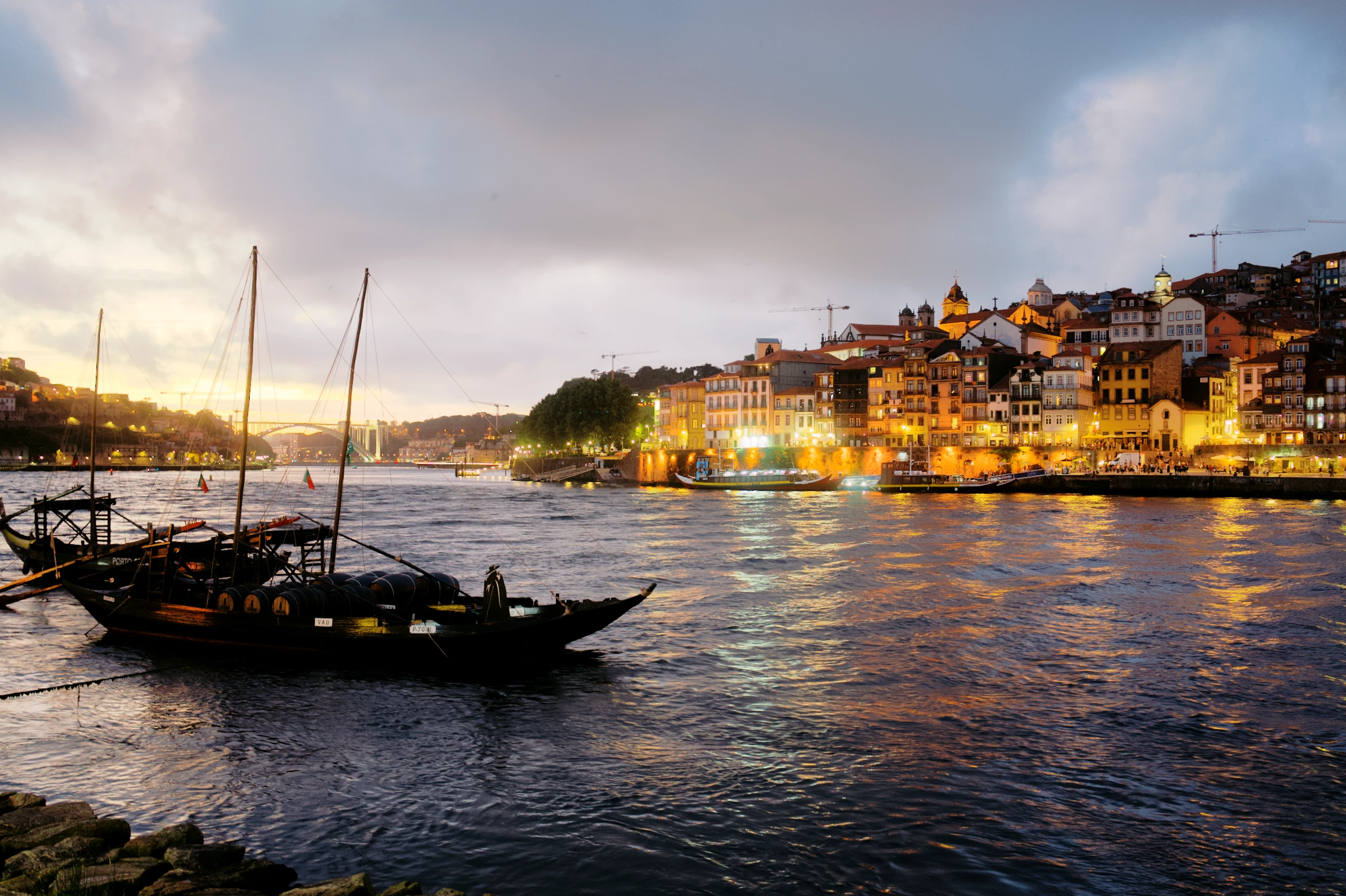
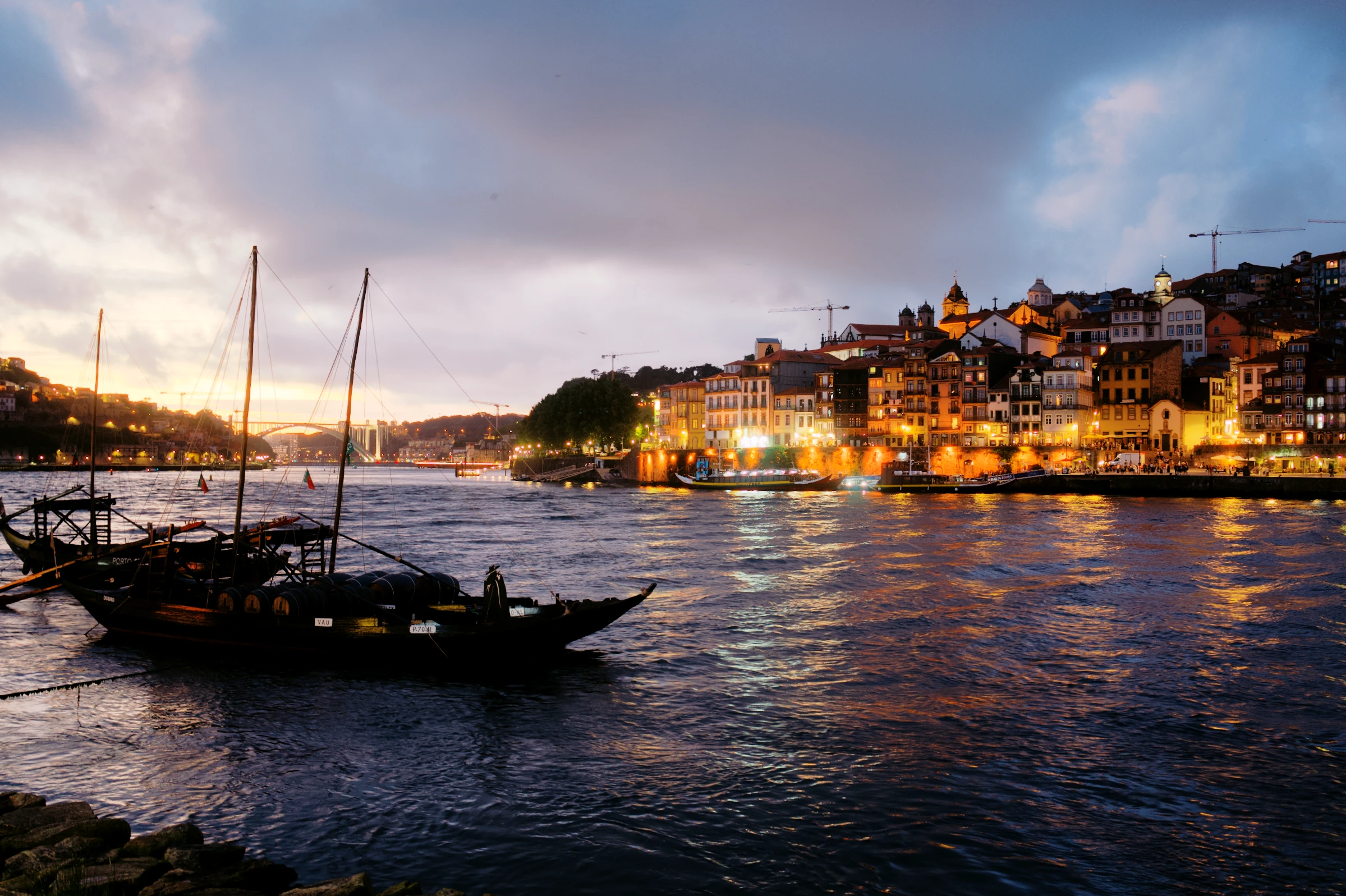
One photograph. Every stage rendered in ABNEY.
The comparison couldn’t load.
Beautiful colour.
Built in.
Our own RAW engine brings out the light and colour in your photograph. Keep it true to life, or give it the character of film.
What happens to the RAW?
ABNEY controls tone and colour from the RAW, with its own rendering rather than a decoder’s finished look. Camera calibration stays in place. Apple ProRAW may already include processing from capture.
Based on real film?
Yes. Our film profiles are built from real film-stock scans, made on a Noritsu LS-600. This comparison starts with Natural, adds Chroma, then a darker, cooler recipe. The colour animation illustrates the process; the photographs are real ABNEY renders.
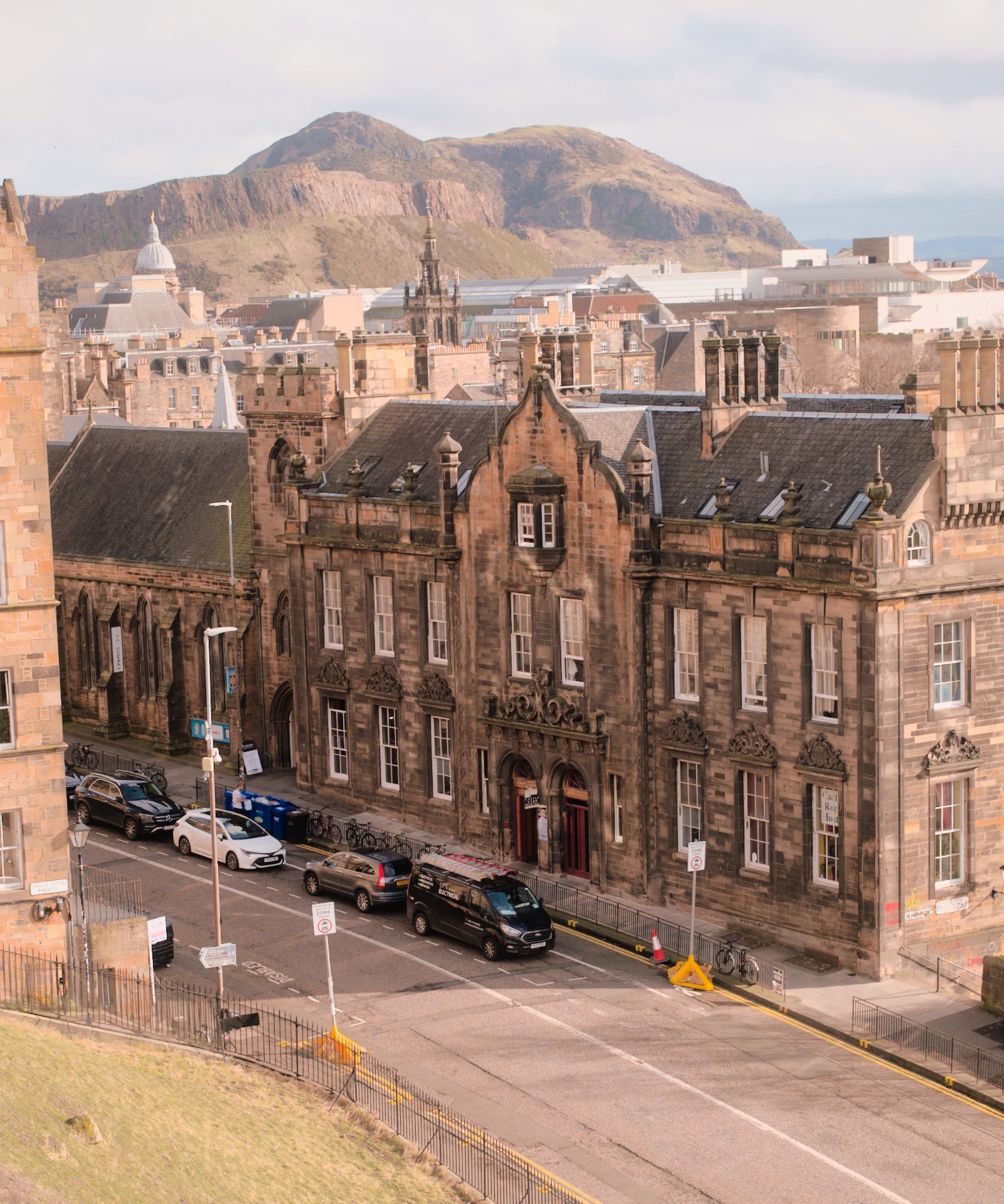
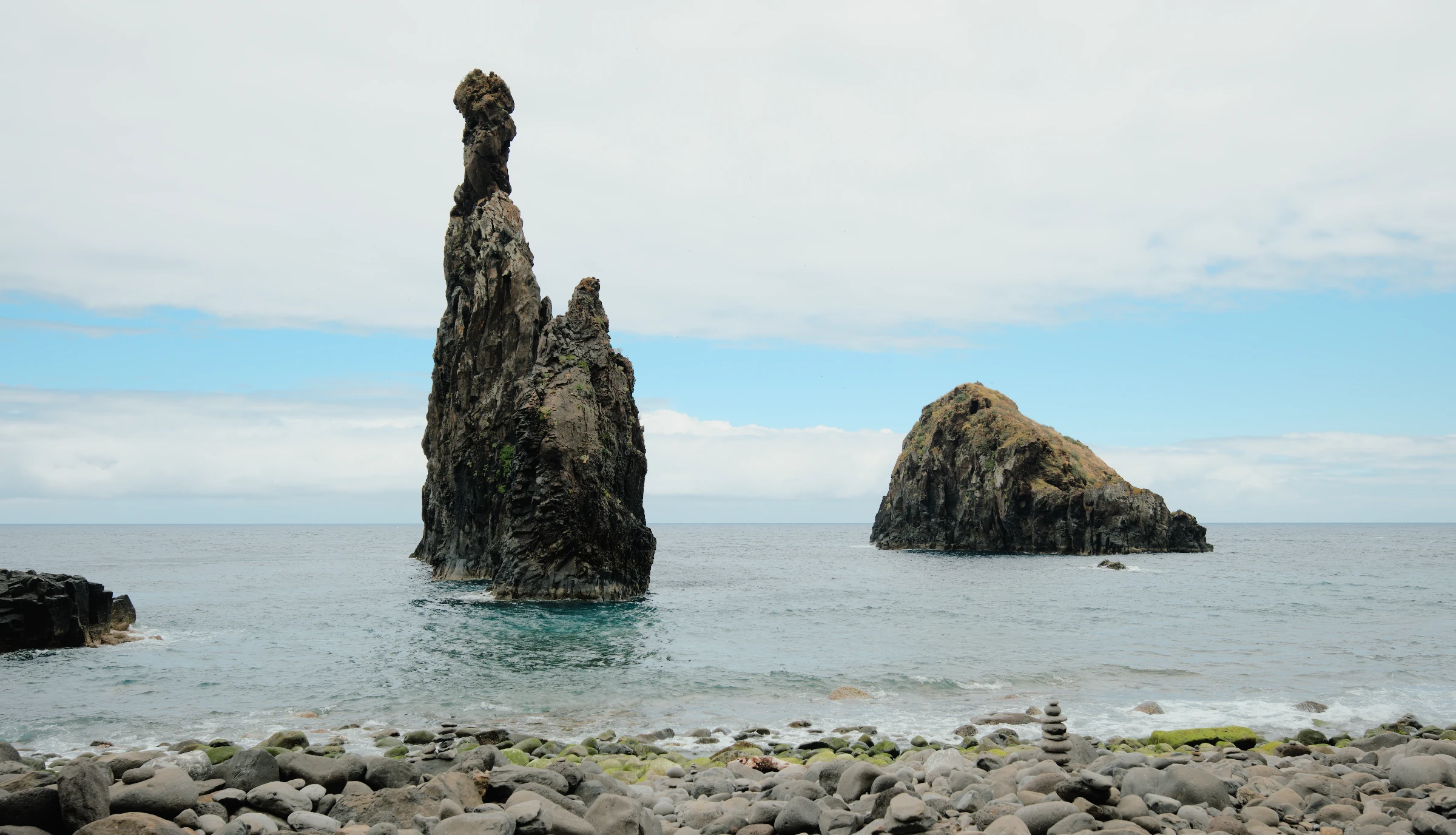
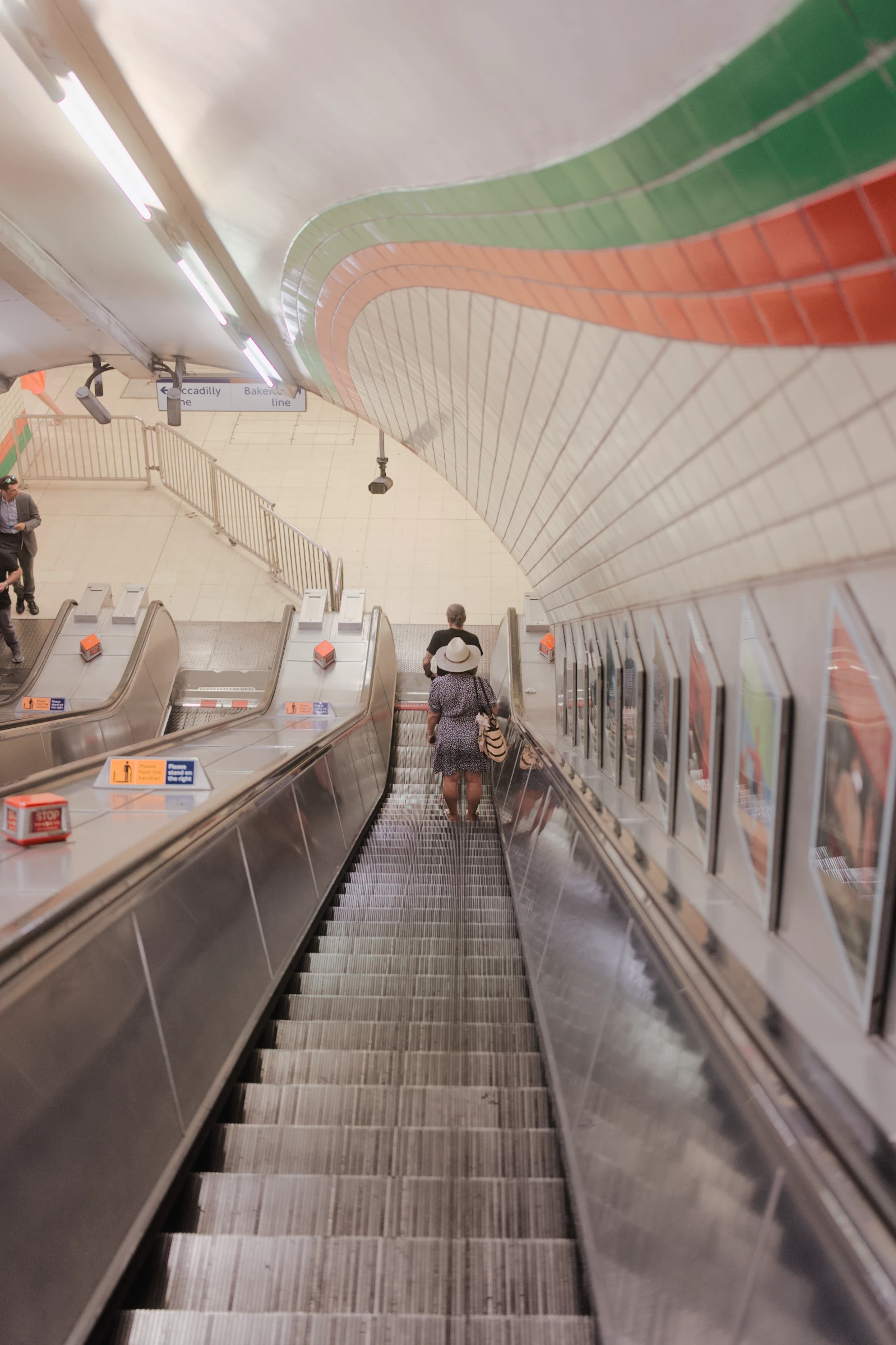
Same moment.
Another feeling.
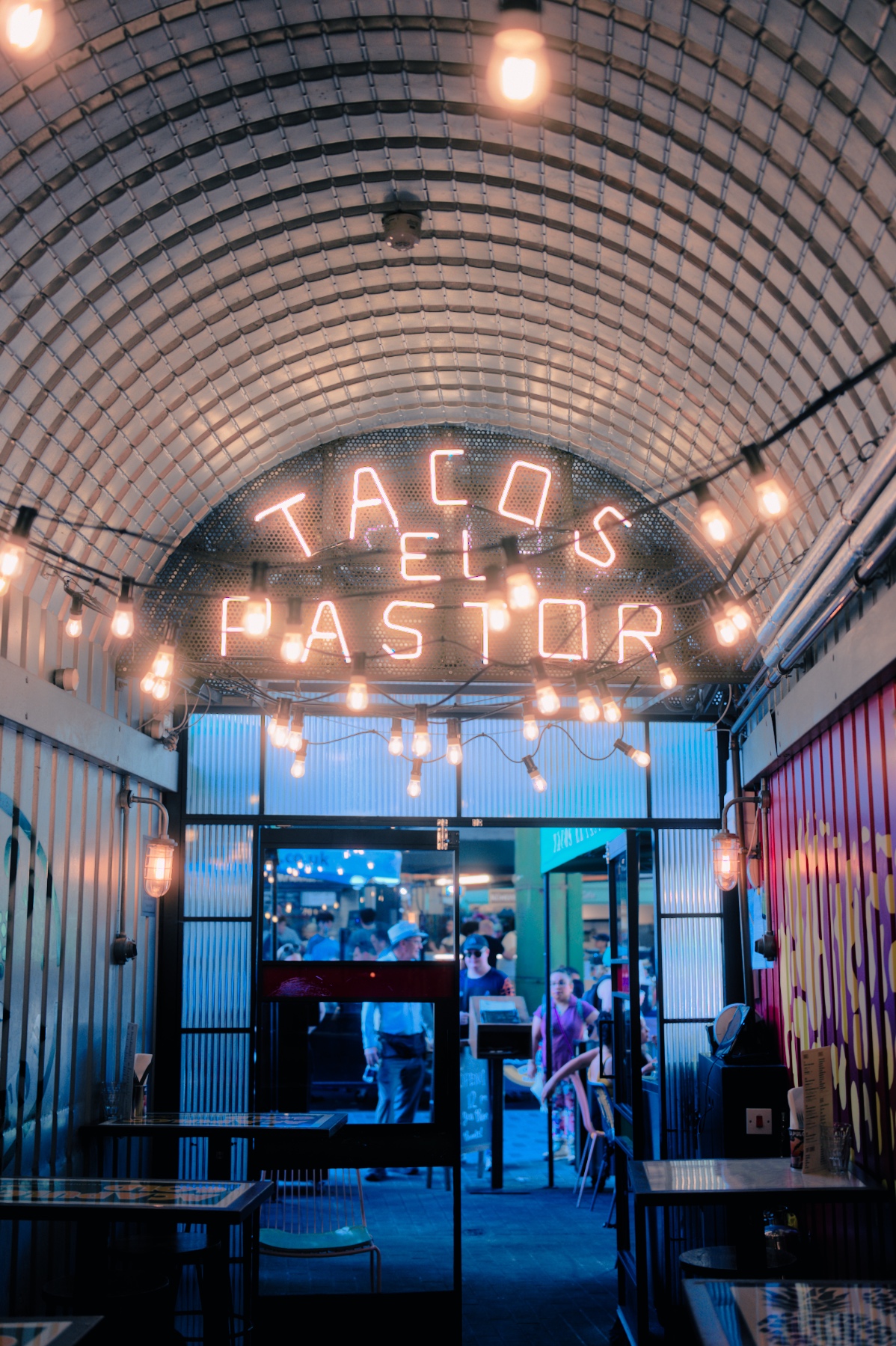
Go bold after dark. Let the lights glow. A different film look can change the whole mood.
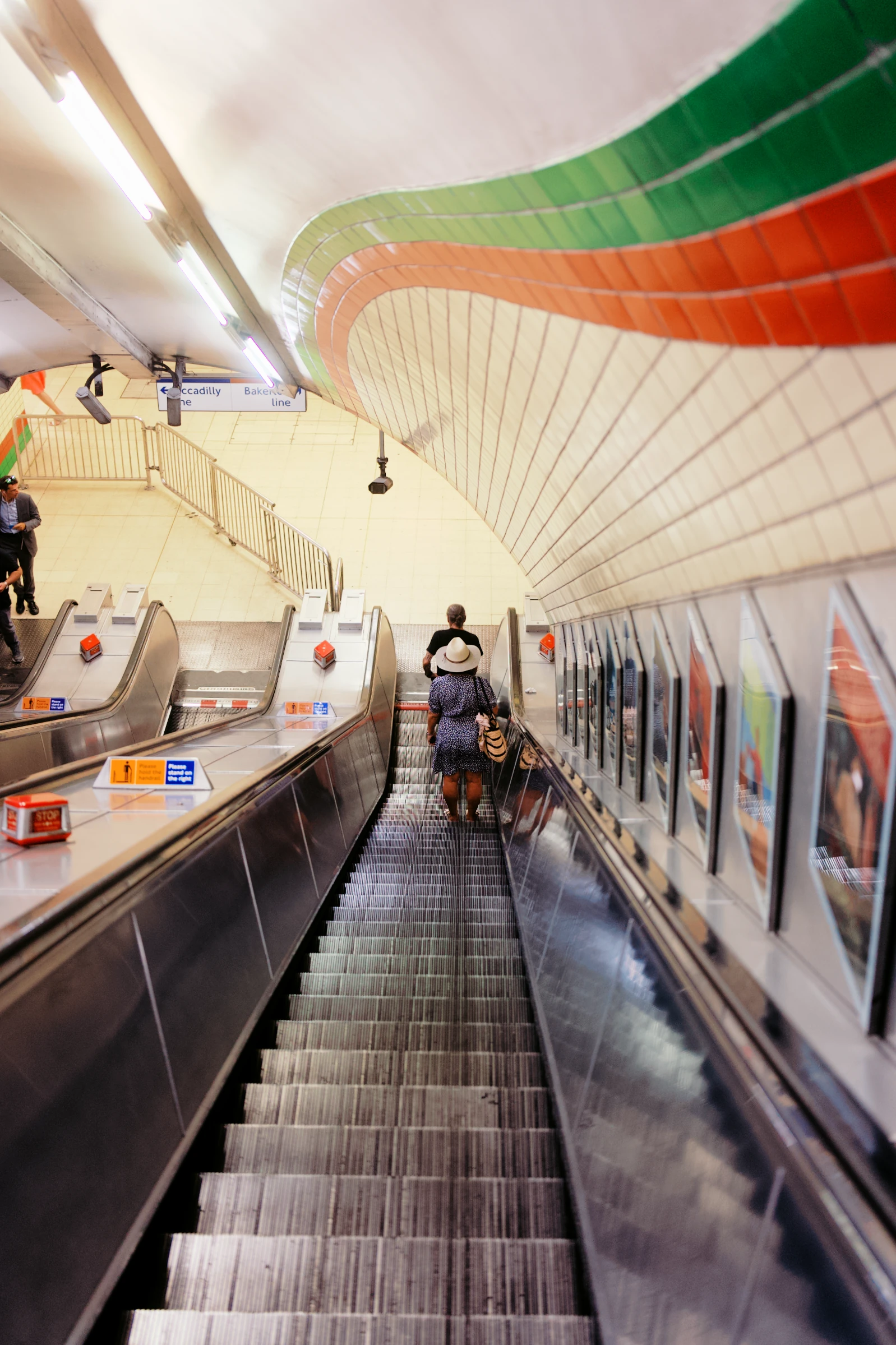
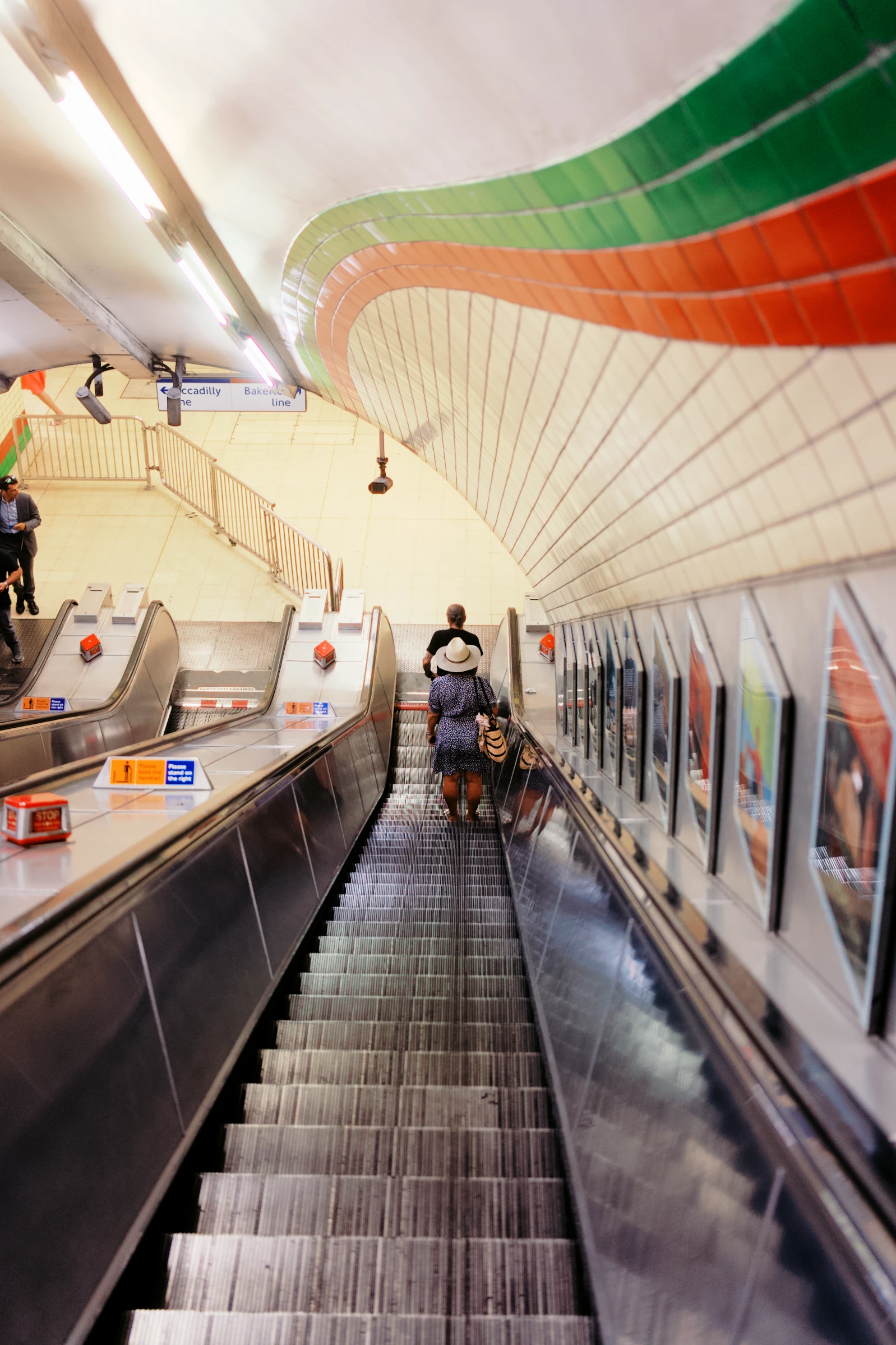
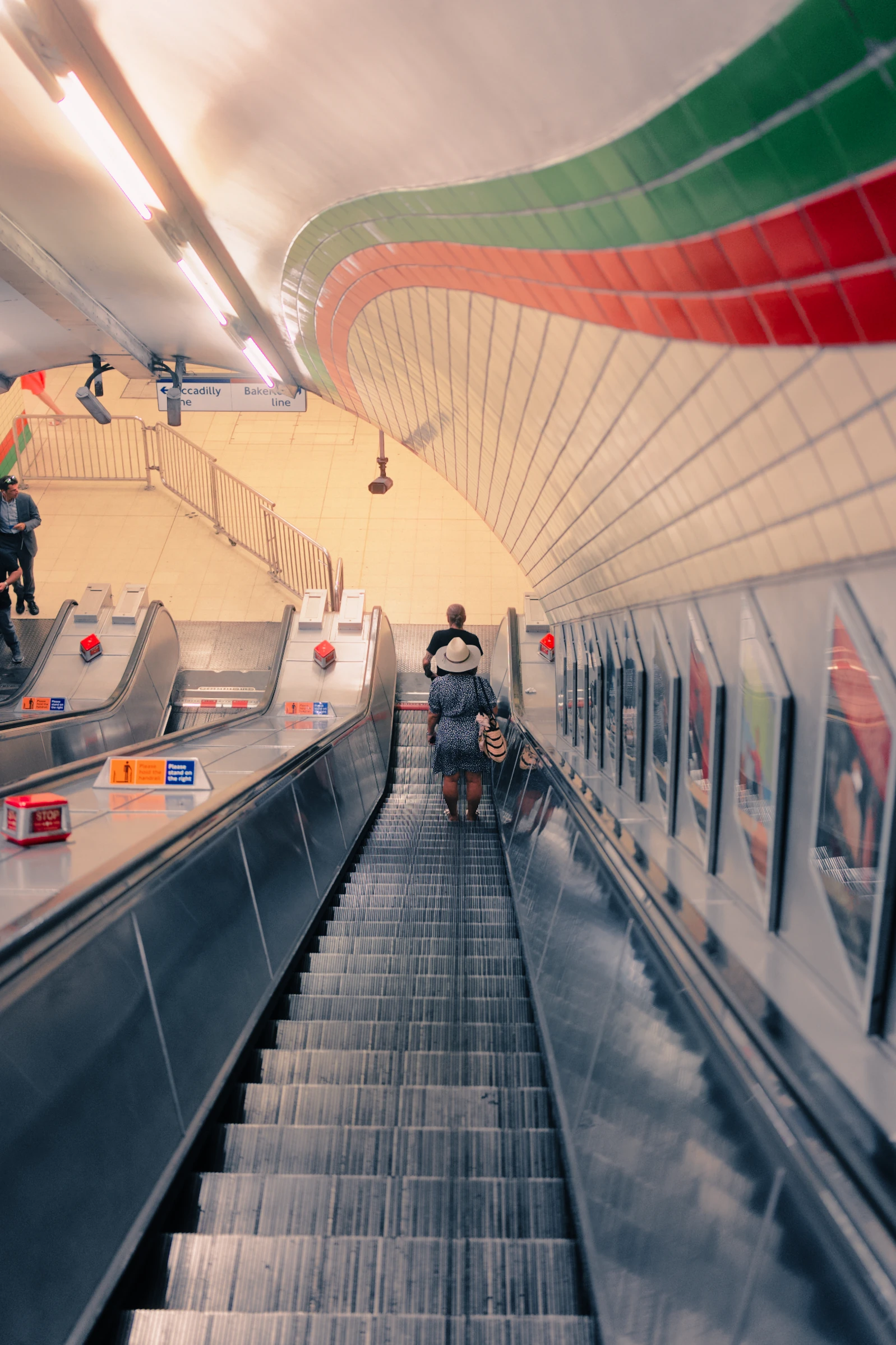
 Chroma
Find your film.
Rich reds, inky shadows, a little glow. Try a look and see where it takes this night.
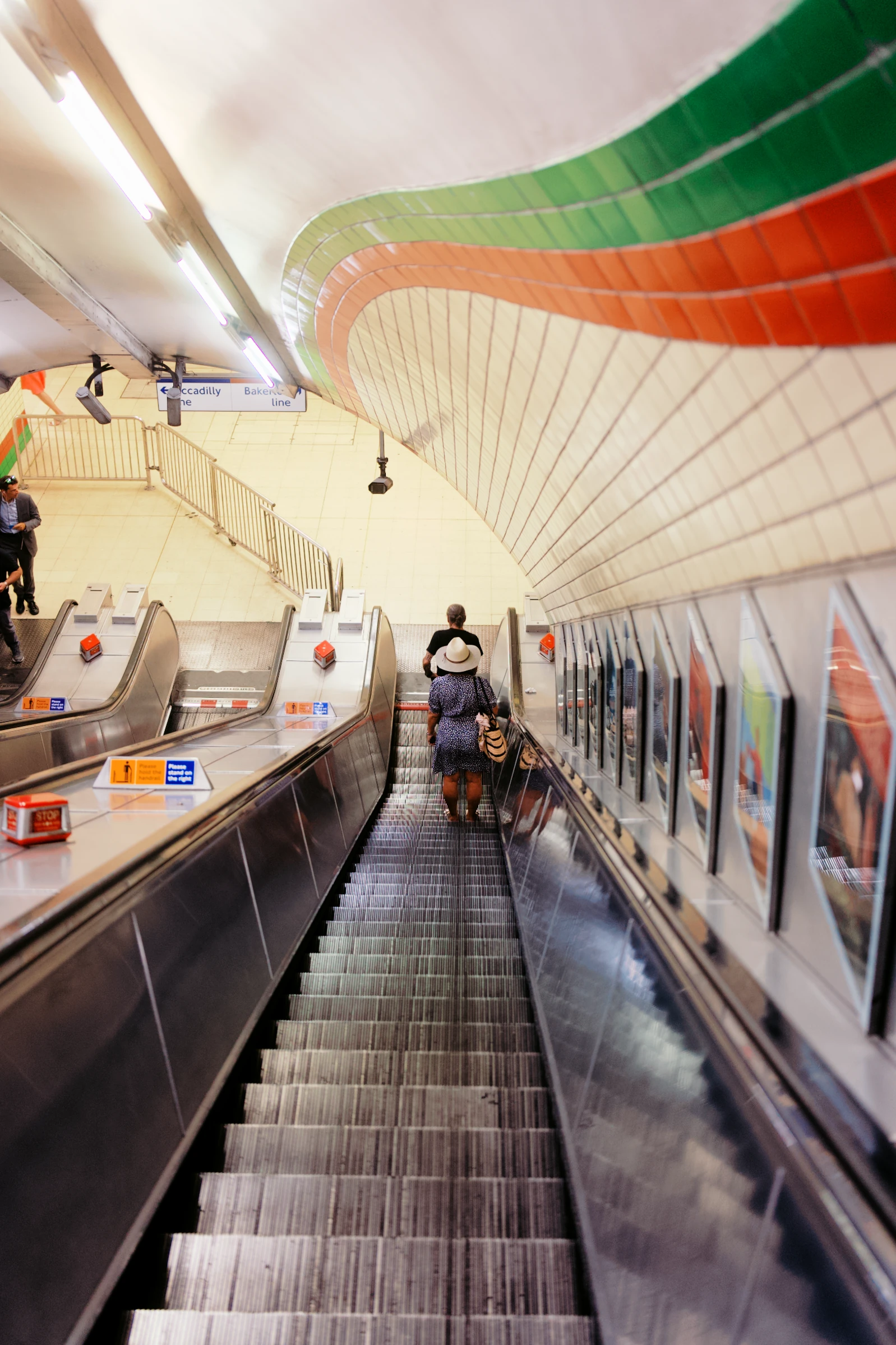 Chroma · detail
A little glow around the lights
That soft glow is called halation. Add a little, or let the lights bloom.
Watch the glow around the ceiling lights.
Drag right from the centre to increase halation.
Try the looks.
One photograph. So many ways to see it.
Find a favourite. Make it yours. Save your changes as a recipe.
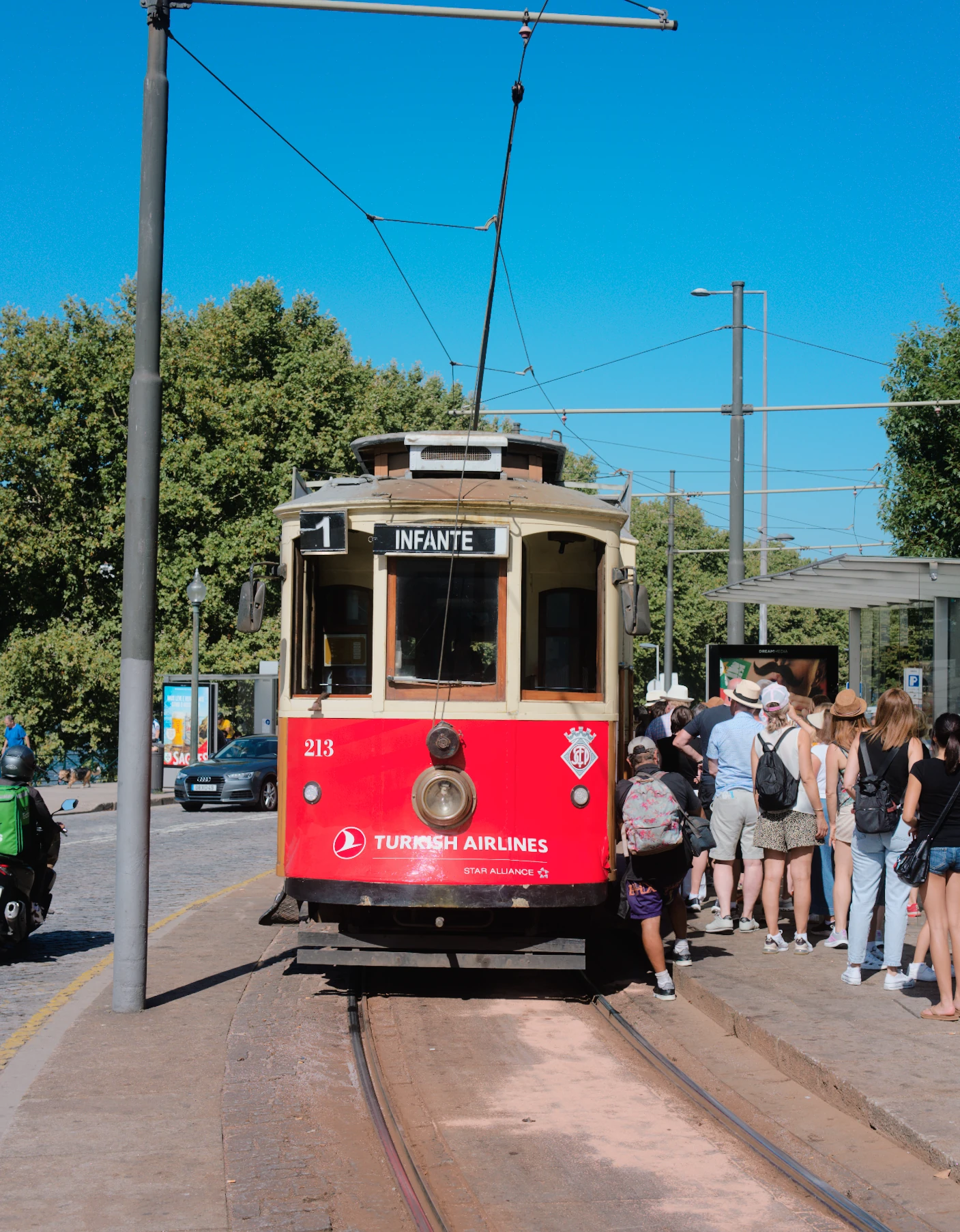
Choose a preset
19 presetsEveryday
Warm colour with moderate contrast.
Loading the collection…
Real RAWs. Real ABNEY renders. Compare any look with Natural.
Choose the film.
Make the look.
A film profile sets the colour. A preset gives it a finish. Make a few changes, save a recipe, and you have a look to come back to.
From real film to your RAW
One negative can look different with every scan or print. Our profiles start with real film scans; presets explore different ways to finish them. A recipe keeps your chosen profile and adjustments together.
Let the lights shine.
Neon that shines. Highlights with life. See the extra glow on a compatible HDR display.
It gets to know
your eye.
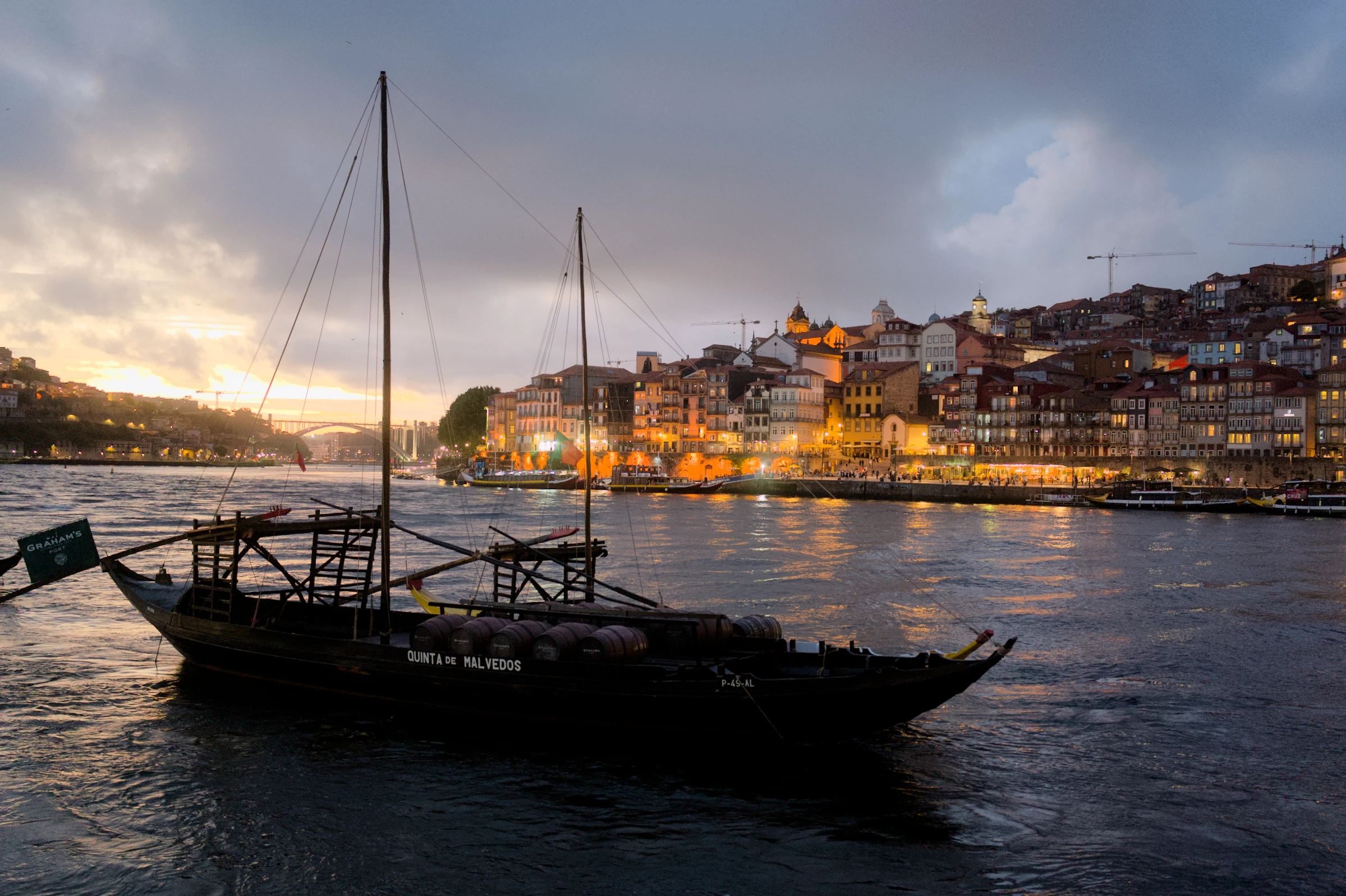
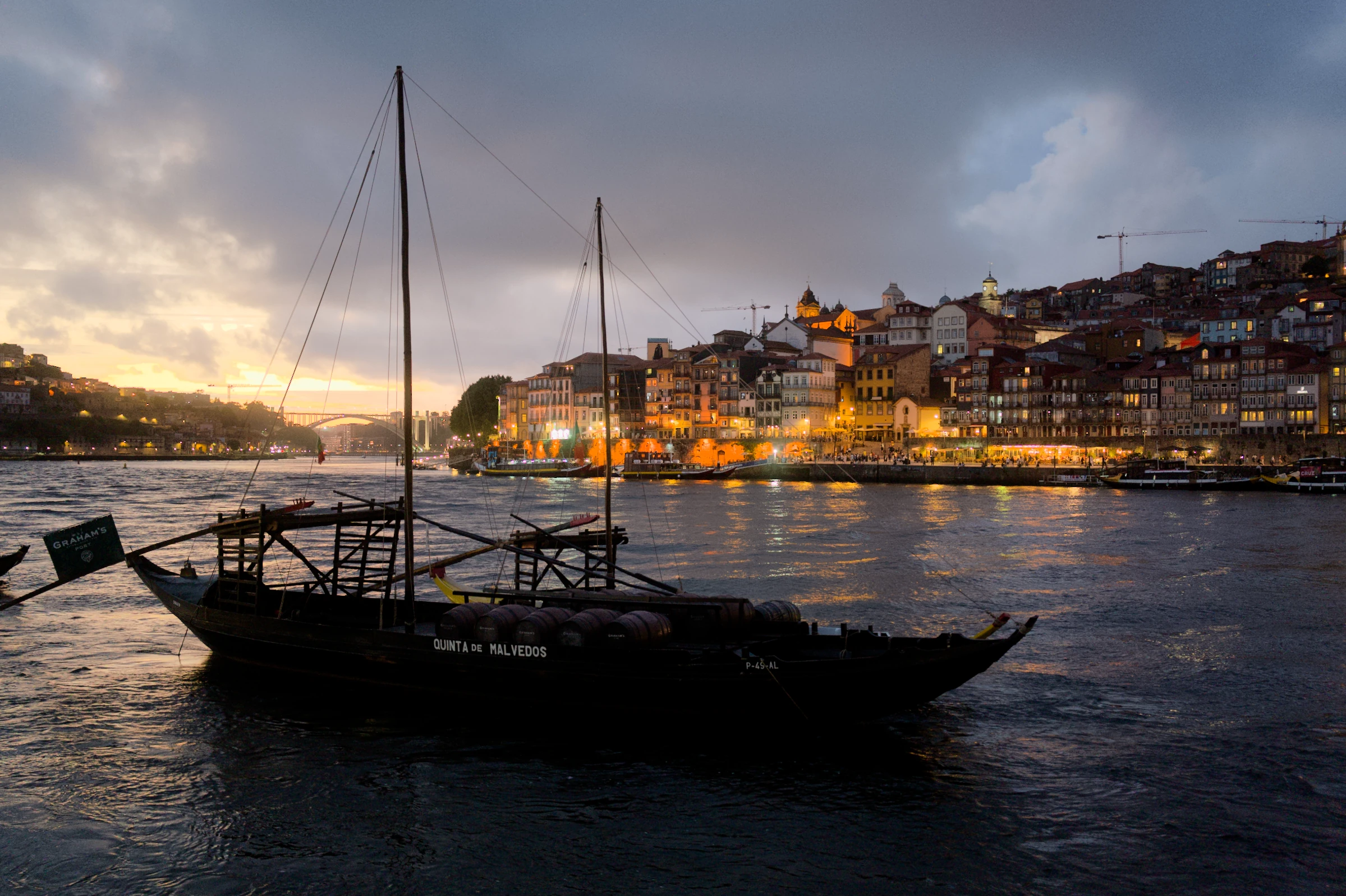
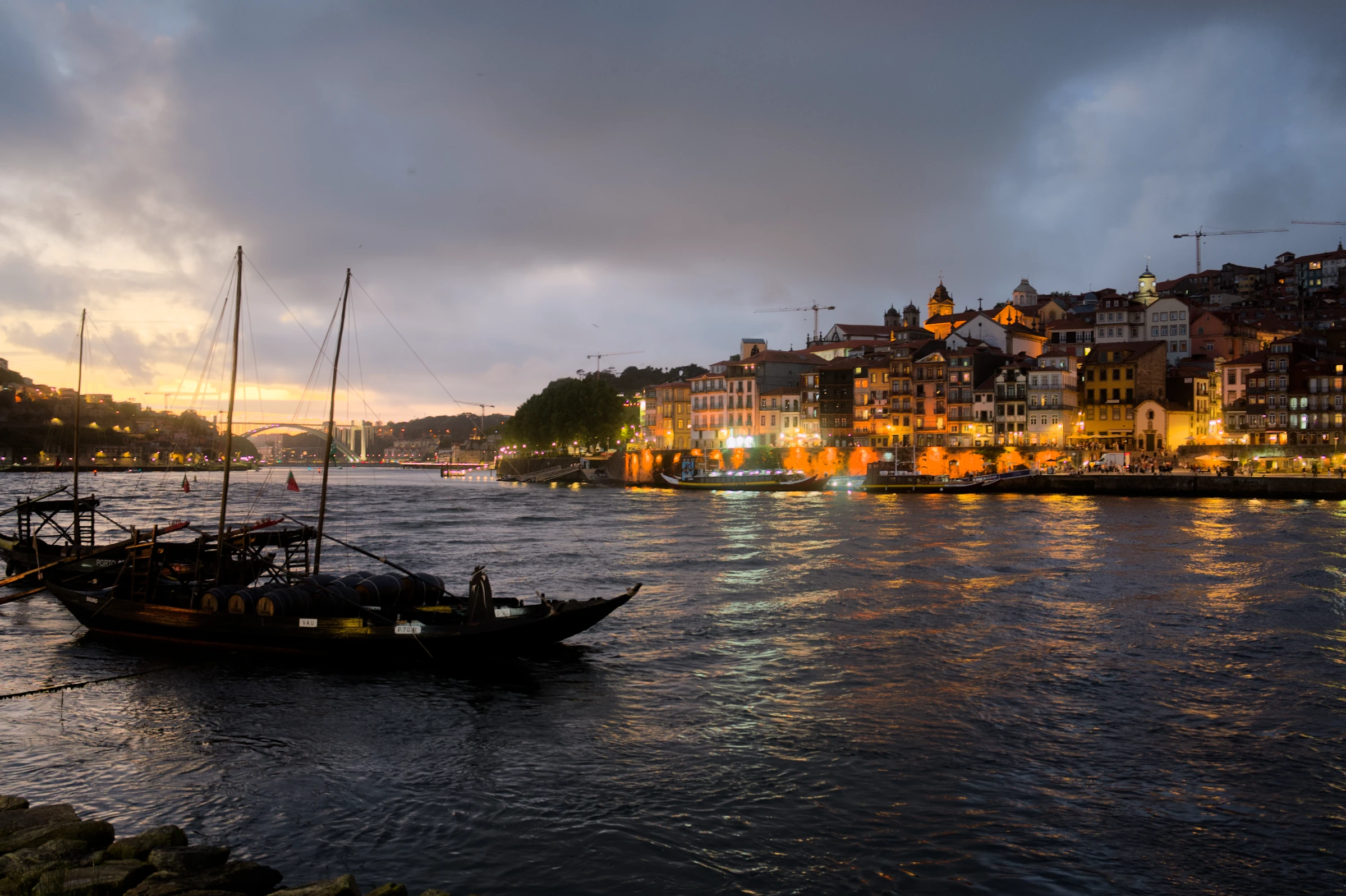
Always drawn to deeper shadows? A little more colour? Personal learns from your edits, bringing that taste to similar photographs.
Your previous edits
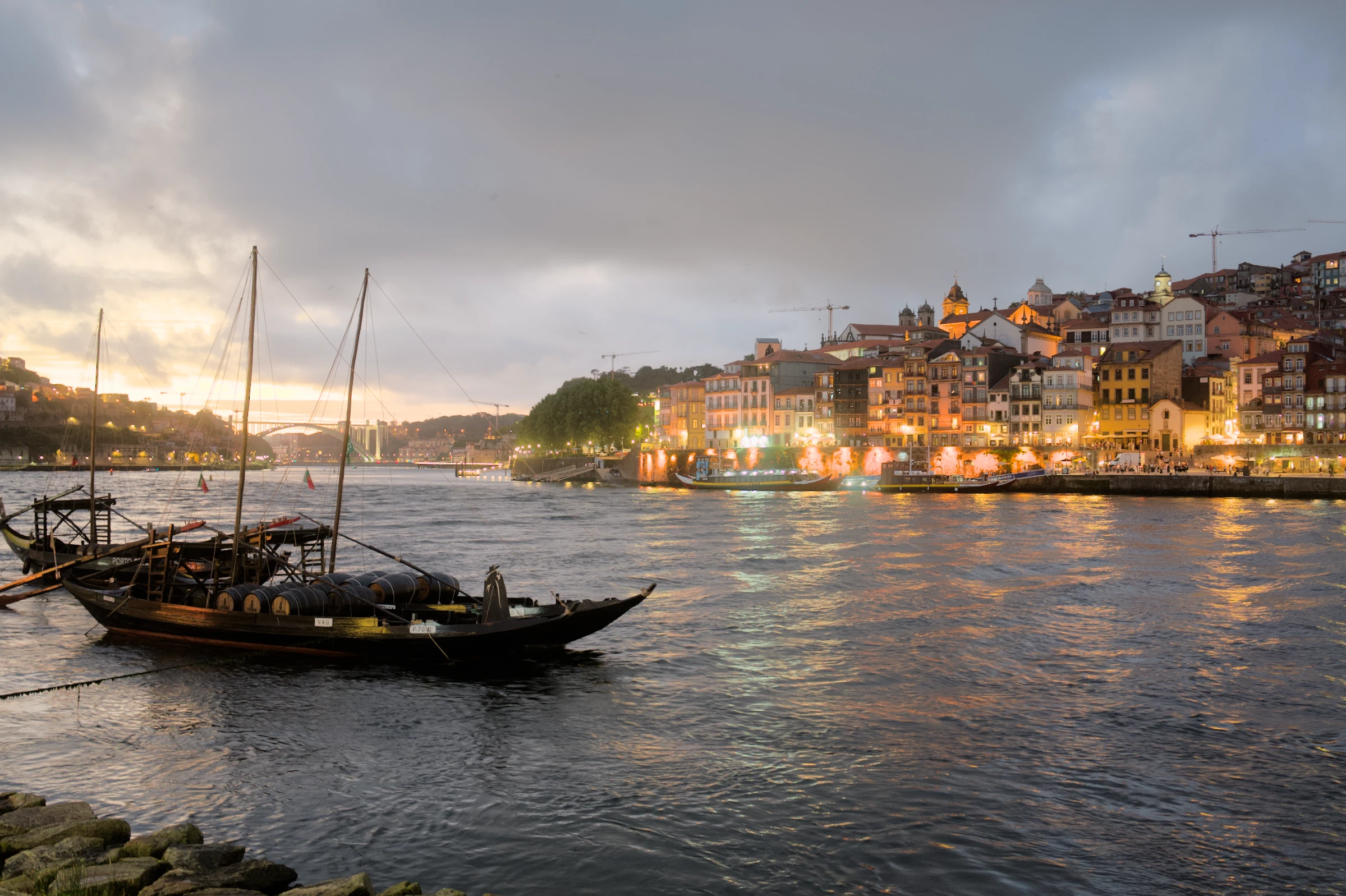
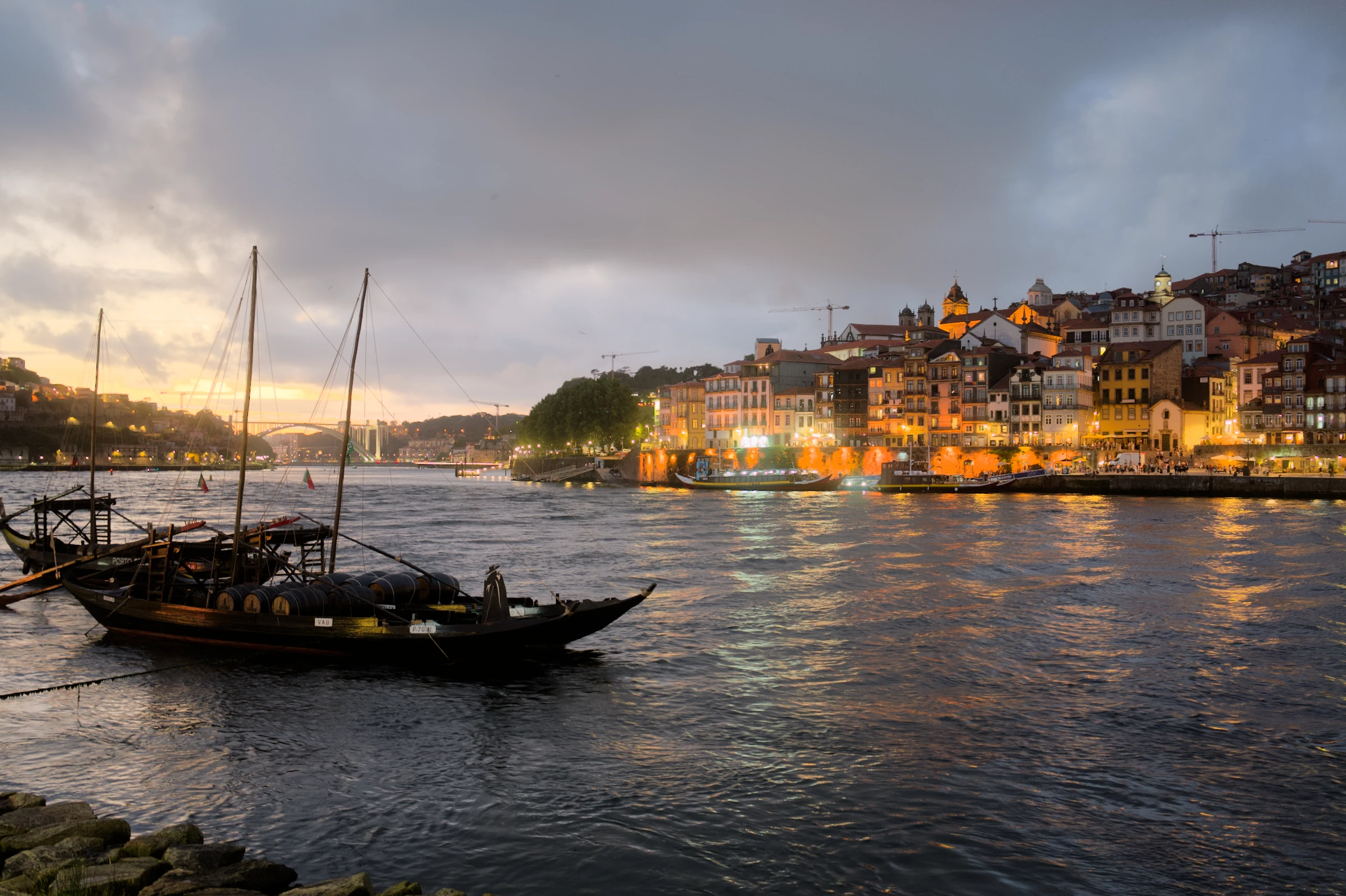
Auto and Personal, together.
Your earlier edits. A new photograph. Drag to see what Personal learned.
What does Personal learn?
Personal learns recurring light and colour choices from similar photographs using the same profile and preset. Your manual edits always take priority. For this example, we edited eight photographs; six matched the new scene. The thumbnails show three of those authored edits.
Your look.
Across the whole set.
A weekend away. An evening out. Give the whole set your look in one go. Auto takes care of the changing light.
 Everyday + Airy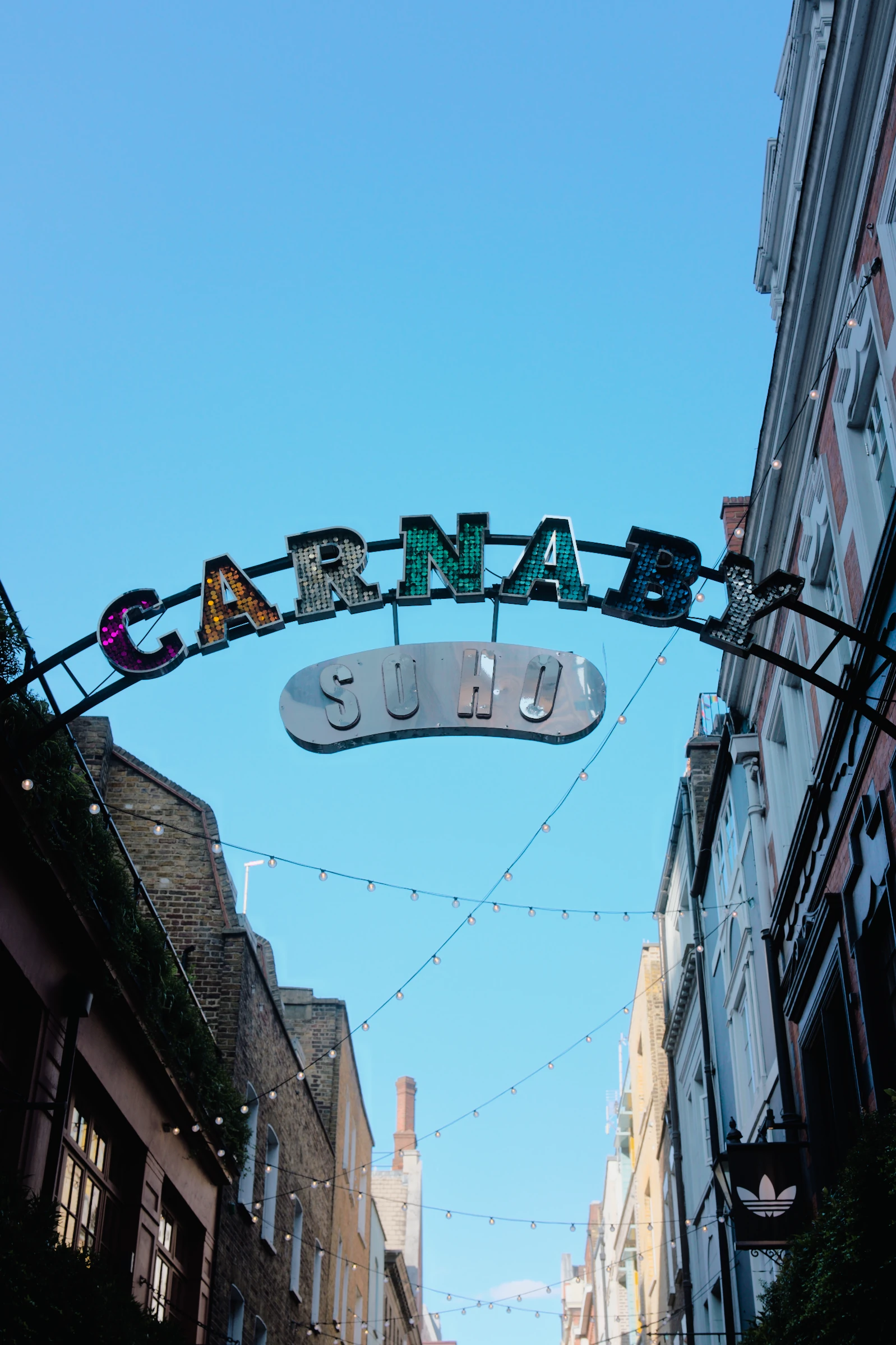
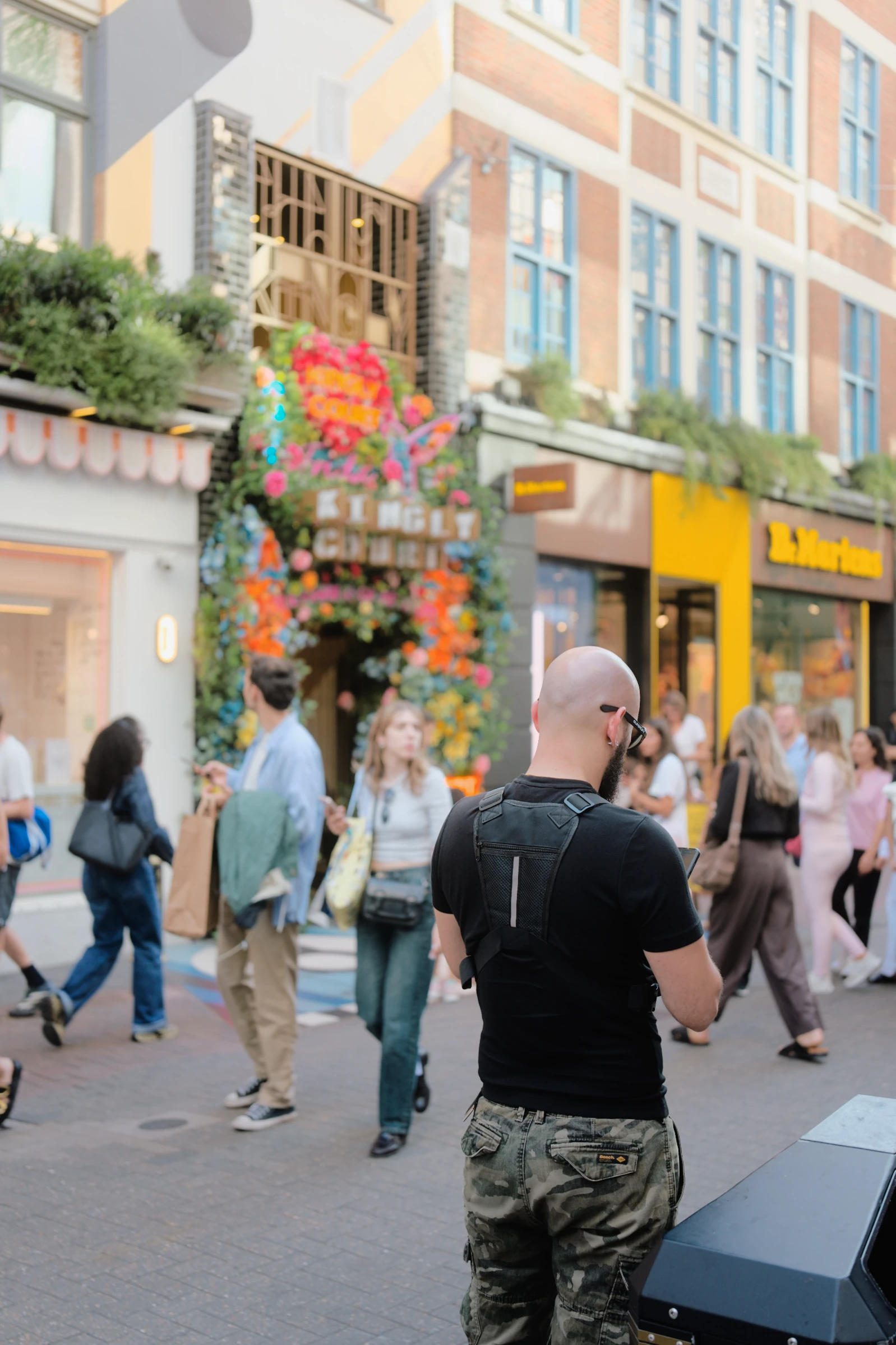
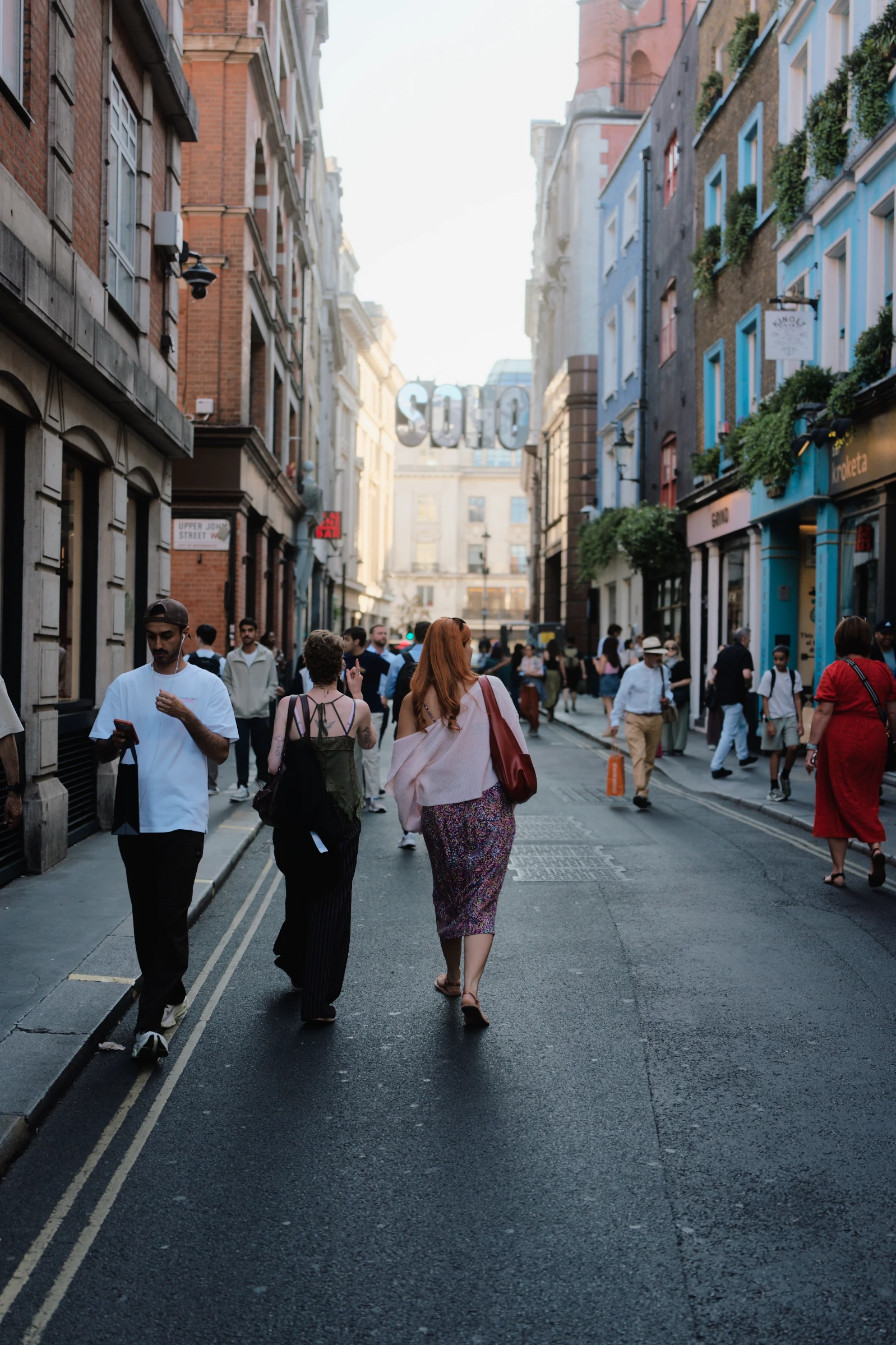
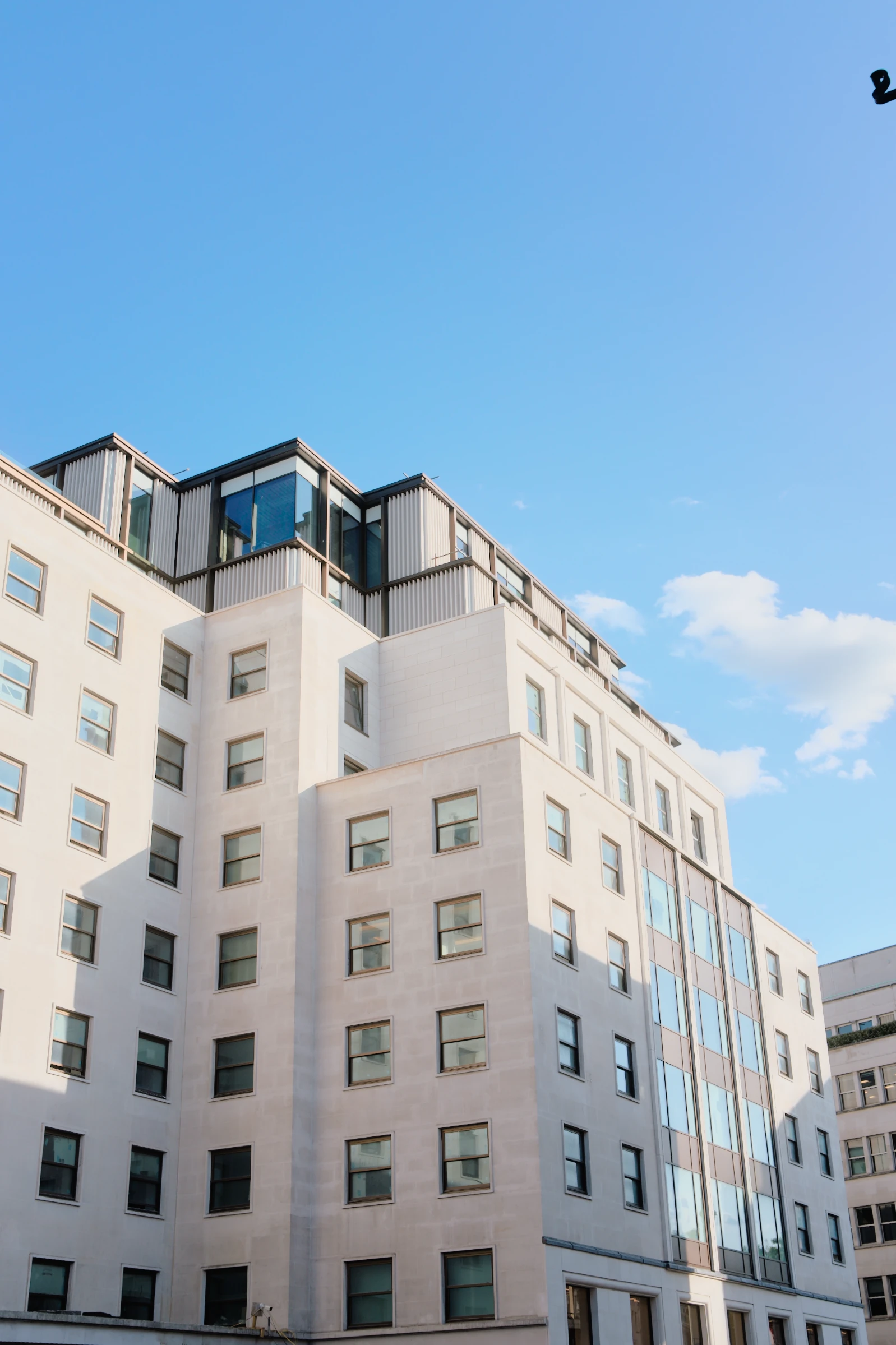
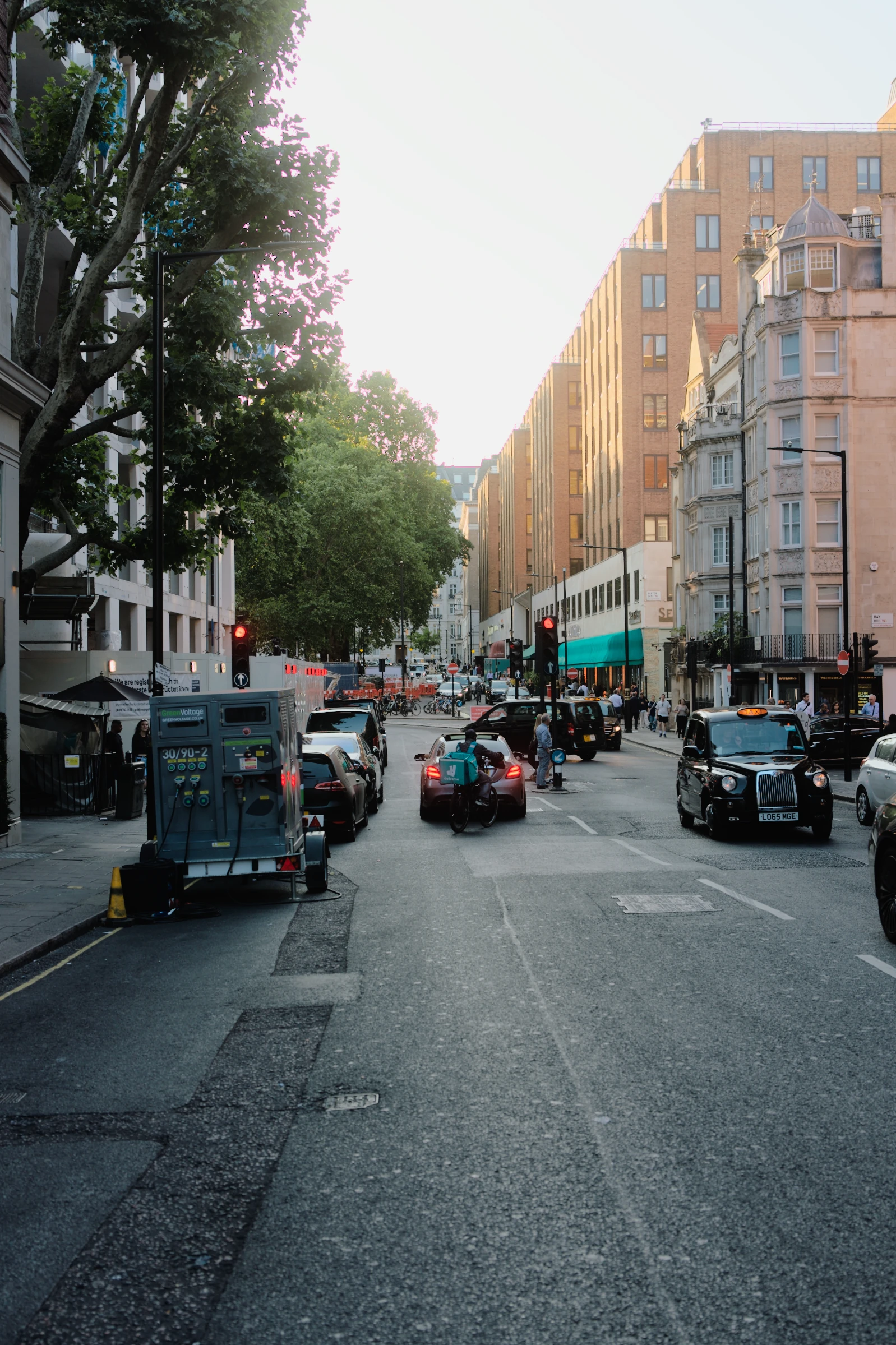
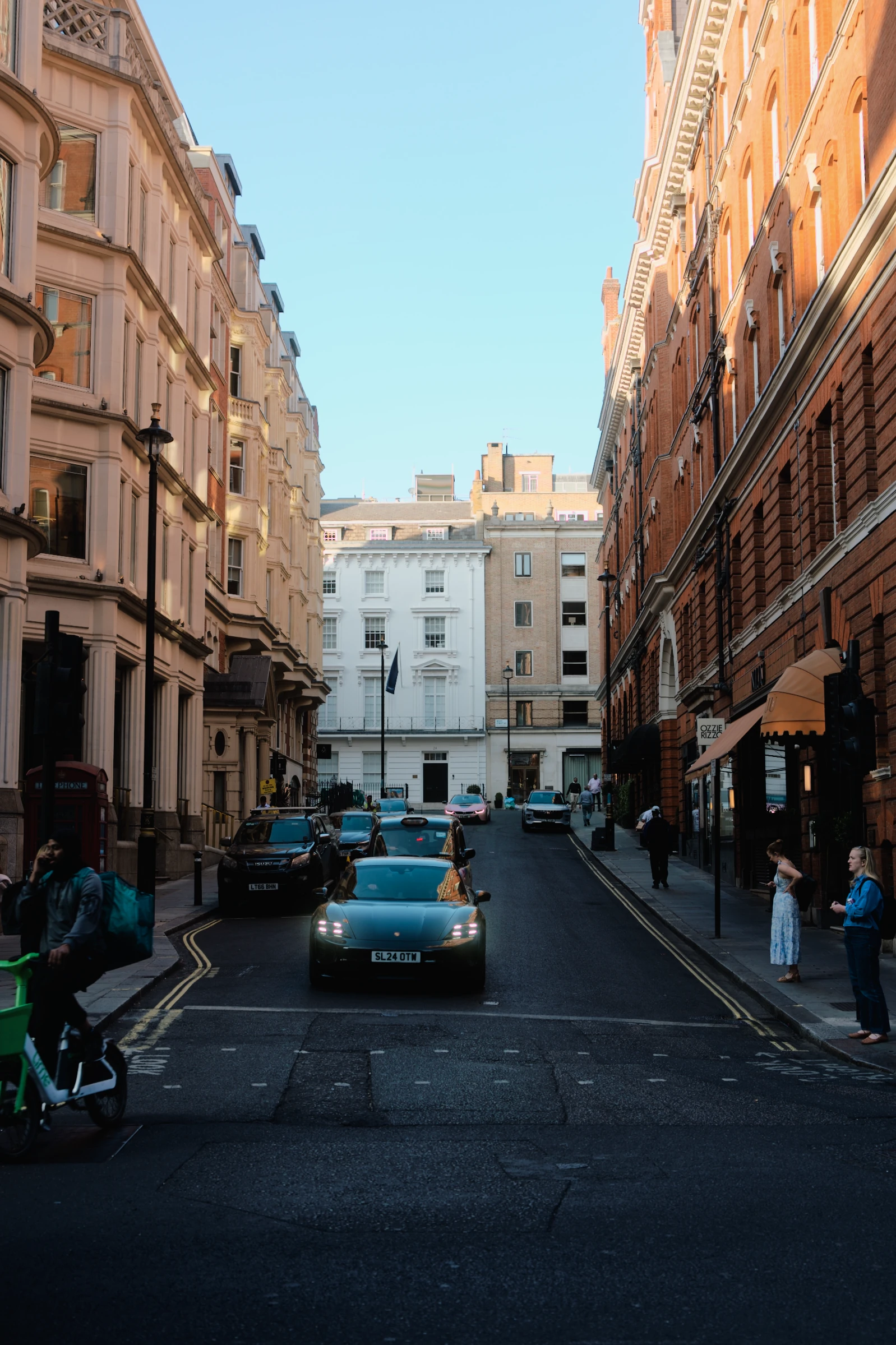
Illustrated workflow. All six photographs were developed in ABNEY.
As much editing
as you feel like.
Love it already? You’re done. Have something else in mind? Change the light, explore the colour, get lost in the details.
At home in Apple Photos.
Shoot, develop and find your favourites in the library you already use.
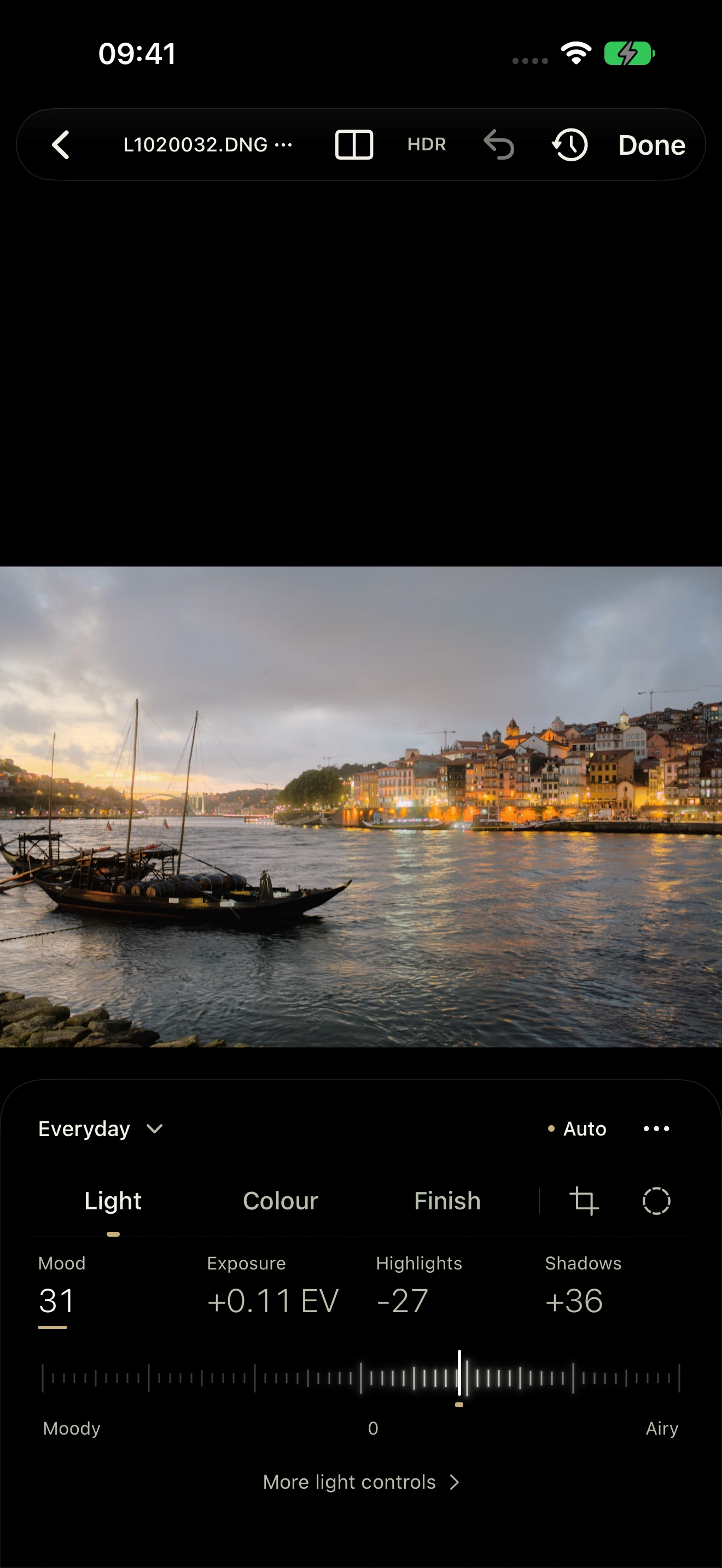
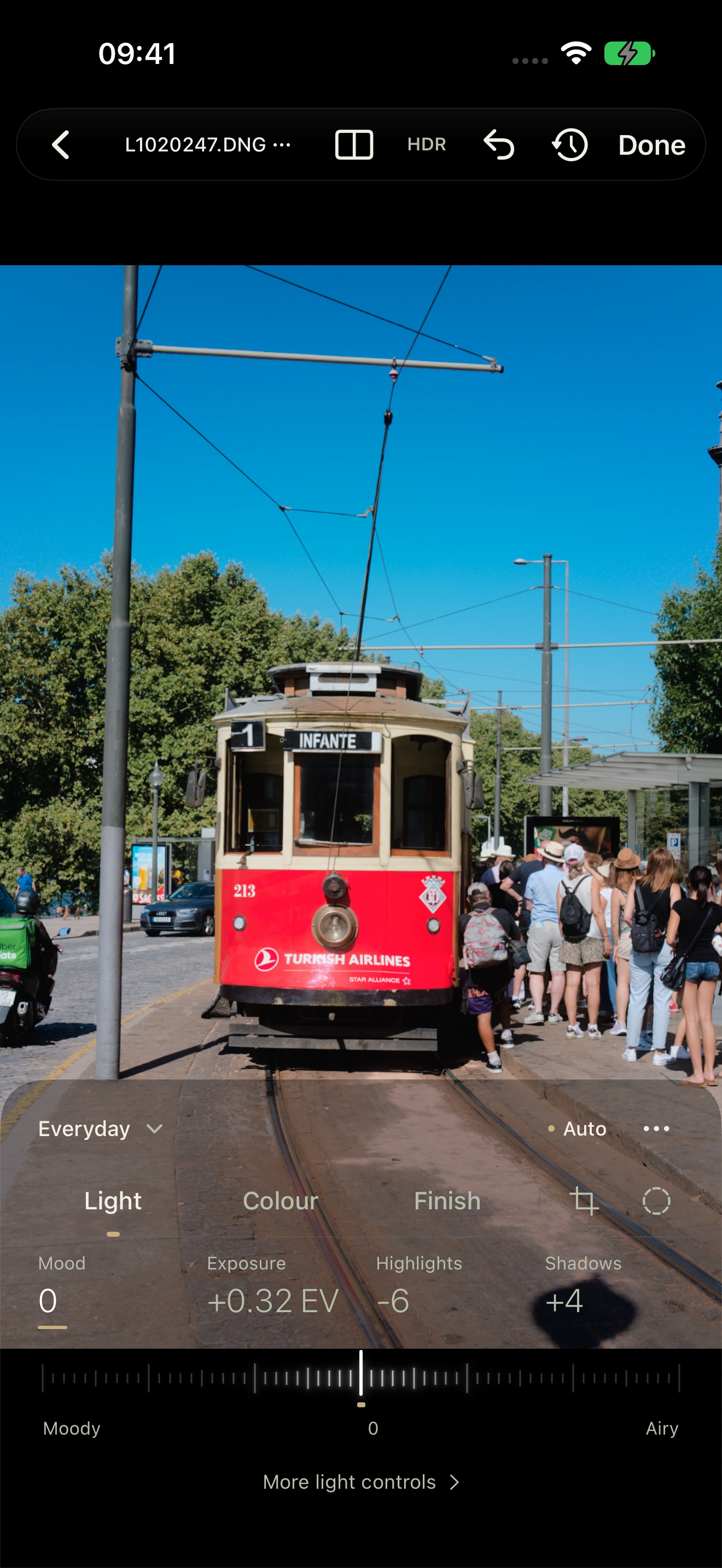
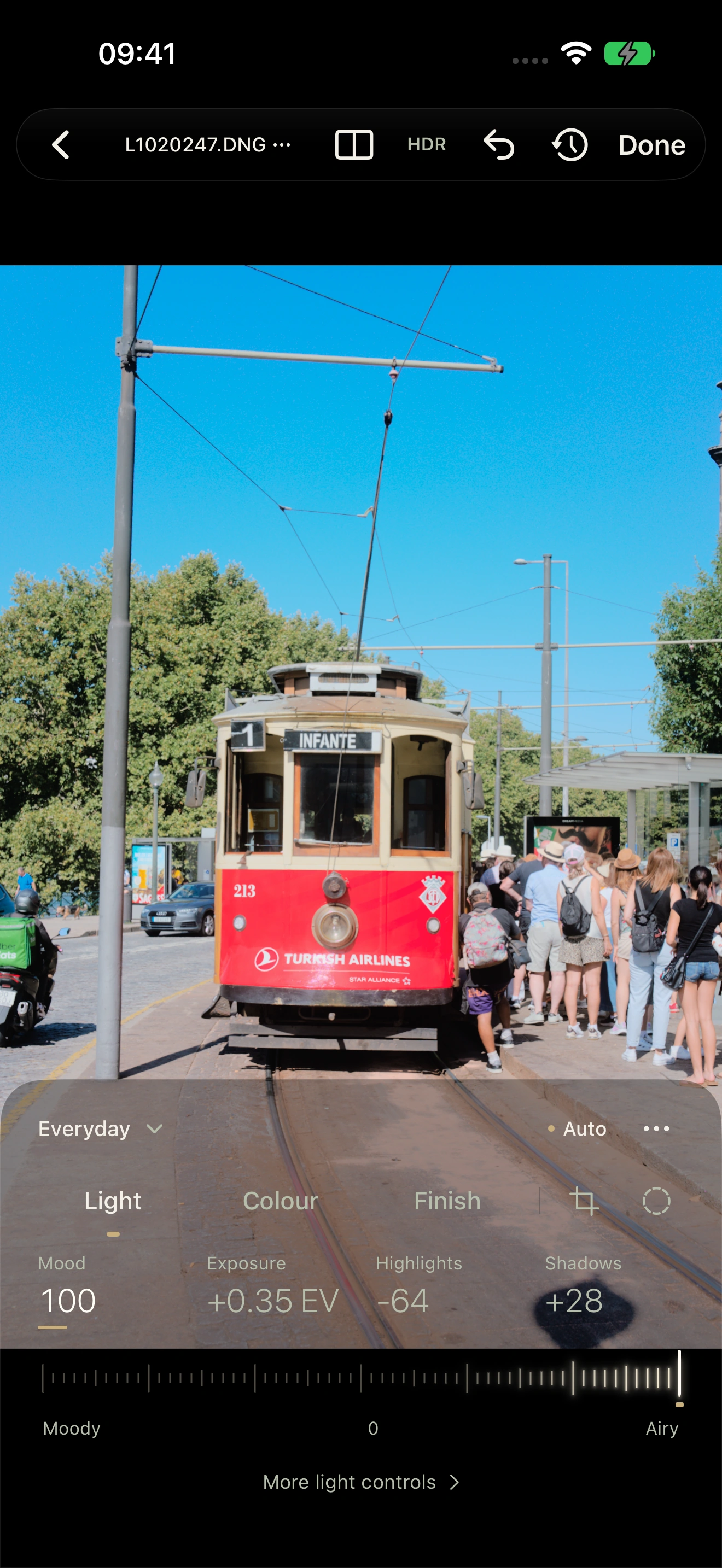
The photograph and its Light controls, together.
Captured in the current app.
Good to know.
Do I need to know how to edit?
No. Open a RAW, let Auto develop it, and choose a look you love. You can always change it later.
Can I shoot in ABNEY?
Yes. The iPhone app has a built-in RAW camera with live look previews, focus and exposure controls. Sensor RAW and Apple ProRAW availability depend on your iPhone and lens. Captured RAWs are saved to Apple Photos, ready to develop.
Which RAW files can I use?
Bring RAWs from supported cameras through Apple Photos or import them from Files. Camera and format support depend on your device. You can also shoot RAW directly in ABNEY on a compatible iPhone.
Can I make my own presets?
Yes. Choose a profile or preset, make your changes, and save a recipe to use again.
About these photographs
These are real camera RAWs developed in ABNEY. Comparisons use the same photograph with different settings. The app screens are intact simulator captures; the colour and set animations illustrate the process. Personal shows an authored learning example. No website colour filters are applied.
When can I get ABNEY?
ABNEY has been submitted to the App Store and is awaiting review. It’s built for iPhone, iPad and Mac.